Welcome to our Knowledge Base
Install HASSIO on Synology Virtual Machine
Summary Steps
- Install the Synology Virtual Machine Manager from package center
- Download the vmdk from here: Installing Hass.io
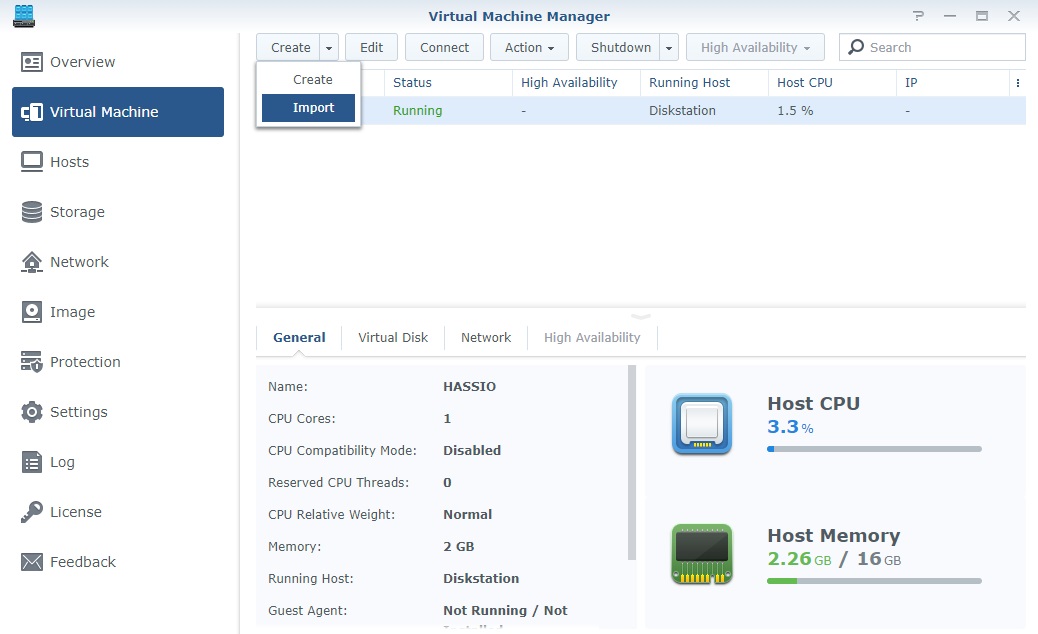
- Install the HASSO disk image and start the VM
- Observe the IP address and test homeassistant availability
- Create snapshot of existing installs and save to accessible place
- Install Samba with same settings as other installs on VM HASSIO
- Reboot HASSIO and restore snapshot
- Configure reverseproxy on Synology host to enable SSL
Detailed Steps
Download the vmdk from here: Installing Hass.io